


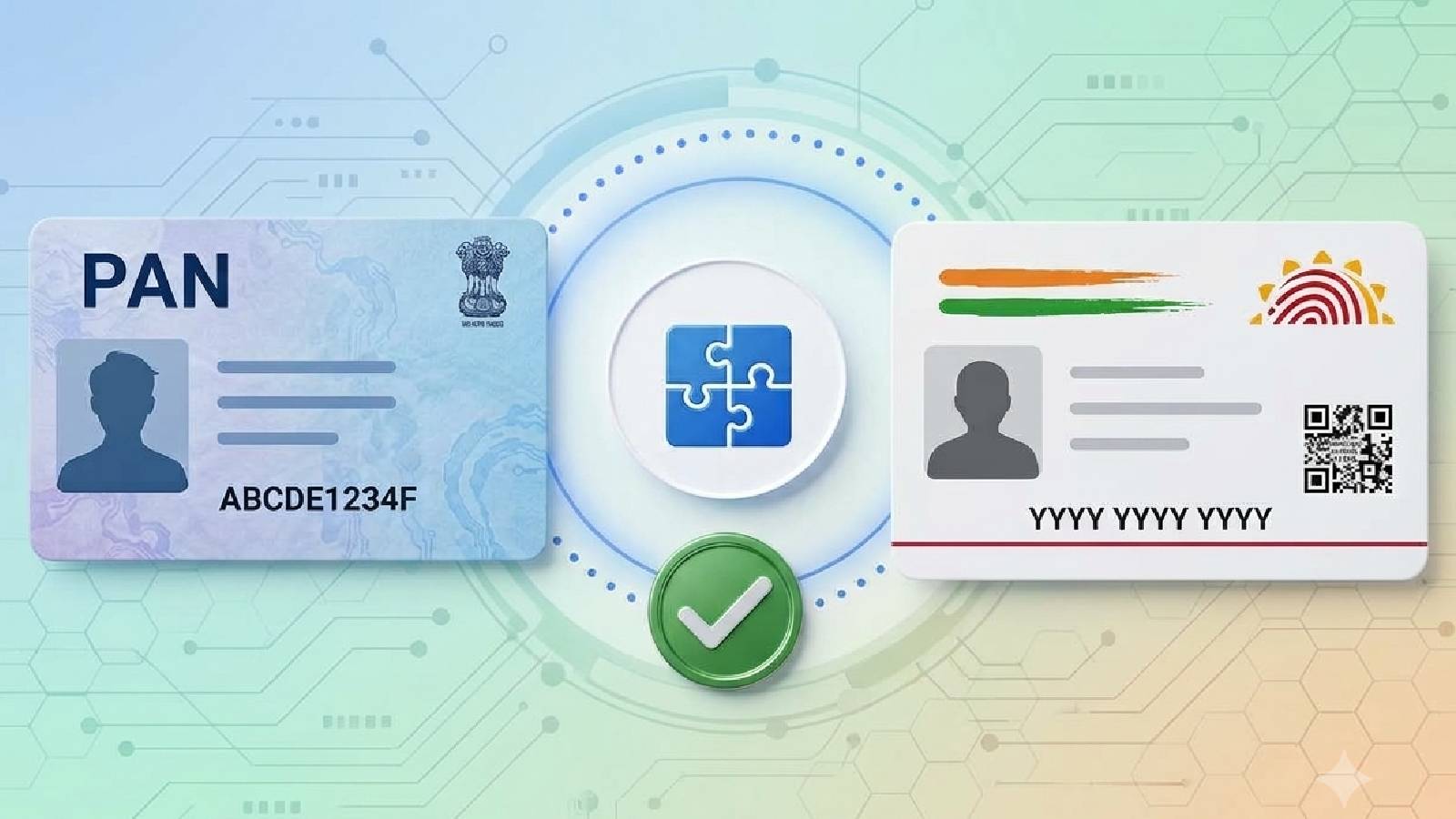


Linking your Permanent Account Number (PAN) with Aadhaar is mandatory in India under Section 139AA of the Income Tax Act, 1961. If your PAN is not linked with Aadhaar, it can become inoperative.
For PANs issued on or before July 1, 2017, the original deadline for linking was June 30, 2023. It was later extended to May 31, 2024. New PAN applicants, meanwhile, have their PAN and Aadhaar linked automatically during the application process.
If you missed the deadline, you can still link your PAN with Aadhaar through the Income Tax Department’s e-Filing portal by paying a Rs 1,000 fee.
Aadhaar is a unique 12-digit identification number issued by UIDAI and is widely used for identity verification, KYC, and accessing government and private services. It is commonly required for services such as opening bank accounts, getting SIM cards and accessing welfare benefits. PAN is a 10-character alphanumeric number issued by the Income Tax Department for financial and tax-related transactions. While Aadhaar primarily establishes identity, PAN is linked to an individual’s financial and tax records.
But why is the linkage important, and how can you complete it if you missed the deadline?
The Linkage has been made mandatory to improve transparency, eliminate duplicates and ensure consistency in financial analysis. Failure to link your PAN with Aadhaar before the specified deadline can lead to several financial and compliance-related complications for taxpayers and investors.
Once the PAN is inoperative, it will be difficult to file IT returns, claim tax refunds, or carry out other transactions where it is mandatory. In addition, any tax deducted or collected at source will be done at a higher rate if the linkage is not done. Financial institutions, including banks and stockbrokers, could also restrict services for large transactions if the PAN is inoperative. A functional PAN is also necessary for opening a Demat account, which in turn is necessary for investing in the stock market.
How to link PAN with Aadhaar
PAN-Aadhaar linking can be completed in two ways — through the Income Tax Department’s e-Filing portal or via SMS. In both cases, the process begins with payment of the applicable Rs 1,000 fee through the e-Filing portal. Only after the fee is paid can the PAN-Aadhaar linking process be completed.
1. Payment of fees
- Visit the e-Filing Portal of the Income Tax Department.
- In the Quick Links section, select Link Aadhaar/View Status. You can also login to e-Filing portal and click on Link Aadhaar in Profile section.
- Click on Continue under the Link Aadhaar tile.
- Enter your 10-digit PAN and 12-digit Aadhaar in the respective boxes.
- Click on Continue to pay through E-Pay tax.
- Enter PAN and Mobile Number to receive OTP.
- After OTP verification, you will be taken to the E-Pay tax Page. In the Income Tax Box, select Proceed .
- In the next page, select the Assessment Year as 2026-27 and Type of Payment (Minor Head) as Other Receipts (500). Click Continue.
- In the next page, the applicable amount will be pre-filled against the Others Tab.
- Click the Continue button to proceed to the Payment Page. The payment can be made via Net Banking, Debit Card, NEFT/RTGS or through Payment Gateway.
- After making the payment, you can apply for PAN - Aadhaar Linking in two ways - either before logging in or after logging in to your Profile.
2. Before logging in
- Visit the Income Tax Department’s e-Filing portal, where the payment was made earlier.
- In the Quick Links Section, select Link Aadhaar/View Status.
- In the Link Aadhaar/View Status Page, enter your PAN and Aadhaar Number. Click on Validate.
- Then, enter your Name and Mobile Number in the respective boxes. Tick the applicable checkboxes as well.
- Now, click on Link Aadhaar.
- Enter the 6-digit OTP received.
- As a final step, click on Link Aadhaar again.
- The request for PAN - Aadhaar Linkage has now been submitted successfully. The status of linkage can also be checked in the same Quick Links Section.
3. After logging in
The Linkage can also be done after logging in.
- Login to the e-filing Portal of the Income Tax Department. Login to the Portal.
- Open up the Dashboard.
- Under Profile, click Link Aadhaar to PAN. You can also choose the Link Aadhaar option in the Personal Details section.
- In the next page, enter your Aadhaar Number.
- Click Validate.
- A pop-up message will appear stating that your payment details are verified. Click Continue.
- Enter your Name and Mobile Number in the respective boxes. Tick the applicable checkboxes as well.
- Now, click on Link Aadhaar.
- The request for PAN - Aadhaar Linkage has now been submitted successfully. The status of linkage can also be checked in the same Quick Links Section.
4. Through SMS
After the payment of fees online, you can also avail the linkage through SMS. The procedure is relatively simple and more time-efficient than the rest. The only thing to note is that in this method, the date of birth should be identical in both the documents.
The SMS has to be sent to 567678 or 56161 in following way:
UIDPAN<space>Aadhaar Number<space>PAN
Eg: UIDPAN 123456789101 ABCDE1234E
5. Offline/In-Person linkage of PAN and Aadhaar
In India, in-person PAN Card services are provided through two government owned companies: Protean e-Gov Technologies Ltd and UTI Infrastructure Technology & Services (UTIITSL) Ltd. Applications for new PAN Cards, changes in existing Cards as well as PAN-Aadhaar Linkage can be done in-person by visiting the nearest Protean Centre or UTIITSL Centre with PAN and Aadhaar copies for biometric verification. You will have to pay the mandatory Rs 1,000 late fee for linkage online first and carry the challan copy of the same to the Centre as well.
6. Exempt categories
The following categories of people are exempted from Aadhaar-PAN linking:
- Non-Resident Indians (NRIs)
- Individuals who are not citizens of India
- People older than eighty years of age
- Citizens of Assam/Meghalaya/Jammu & Kashmir